Kids check off what they did. You approve it. Money moves on Pay Day. No cash, no spreadsheets, no arguing about who was supposed to take out the trash.
Download on the App StoreFree for one kid · one-time purchase for the whole family · no subscription
What it does
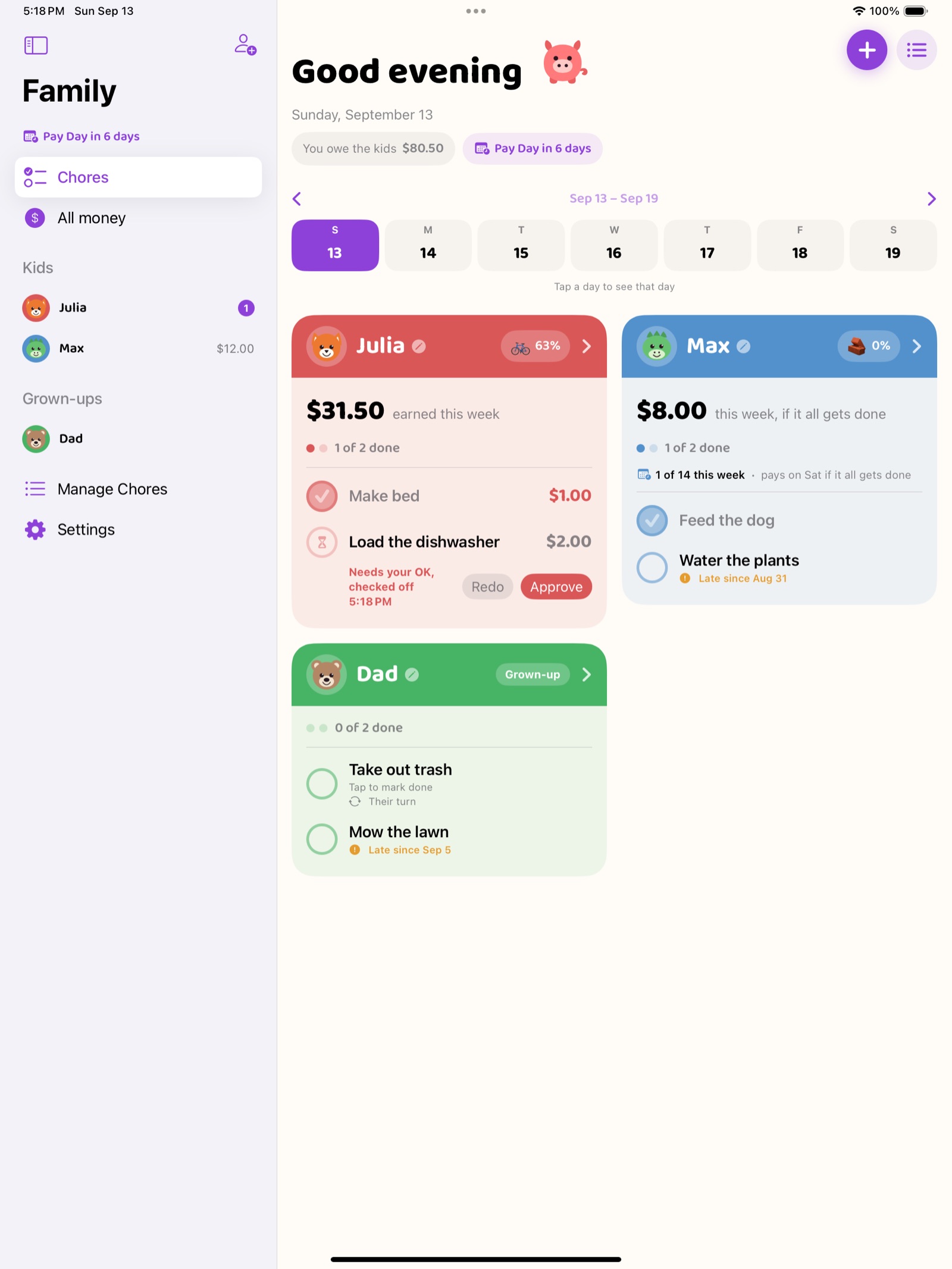
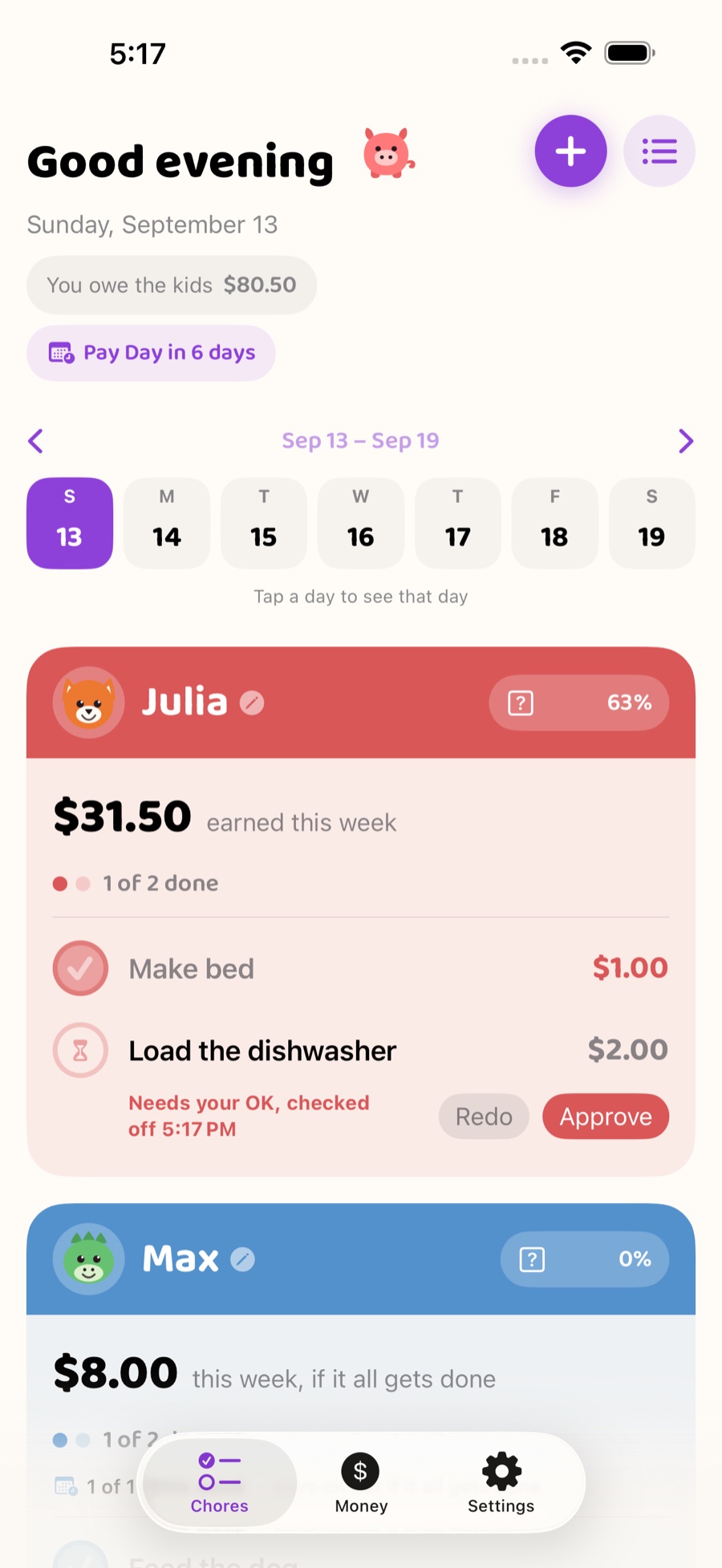
Everyone's week on one screen. Each kid gets their own colour, their own chores, and a check-off that pays them the moment you approve it.
Pick a day. The whole week builds toward it, everyone counts down to the same moment, and the money lands with a celebration.
Trash rotates between the kids each week. The lawn rotates monthly, grown-ups included. It hands off on its own.
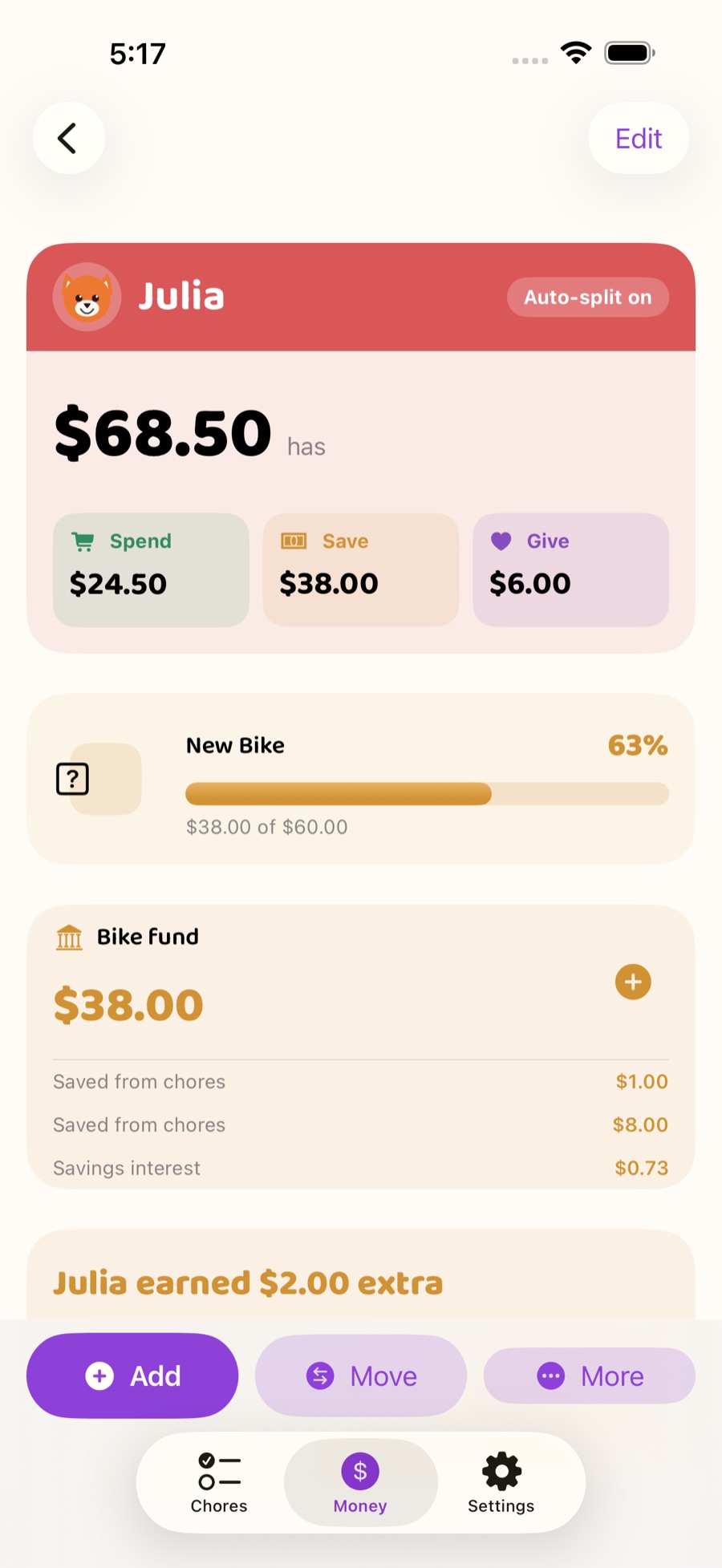
Split every dollar automatically. Set a savings goal, watch it fill, and celebrate when a kid gives money away to something they care about.
Hand them your iPhone or iPad. Each kid taps their picture to see their chores and their money, with read-aloud buttons for kids who aren't reading yet, and your PIN gets back out.
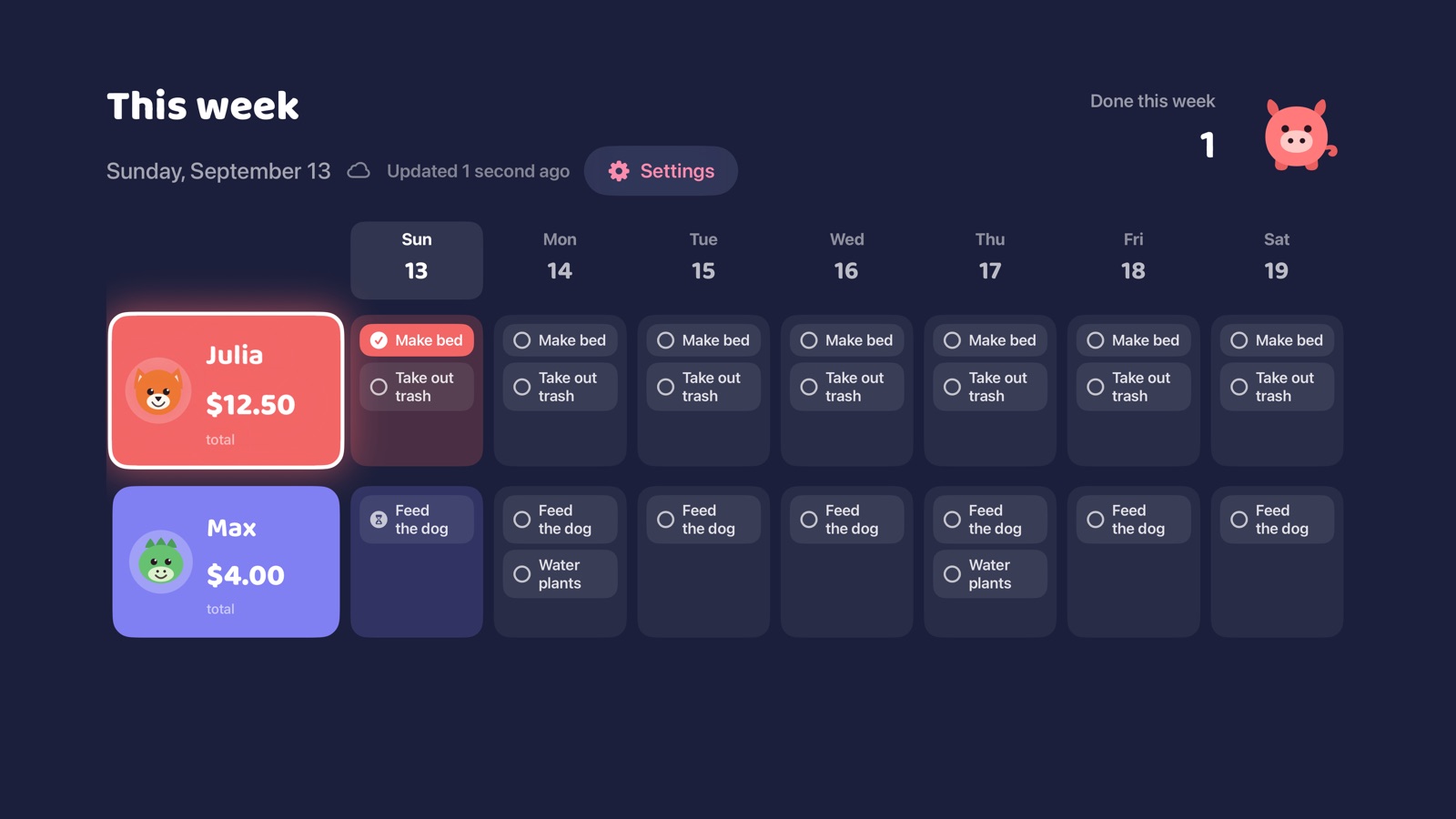
iPhone and iPad, a chore chart on the Apple TV, today's chores on your Apple Watch and home screen, and answers from Siri.
See it in action
Kids check off their chores. You approve with a tap. The money splits into spend, save and give, chores take turns on their own, and every goal reached gets a celebration.
How kids use it
No email, no sign-up, no account for kids. You add them with a name, a picture and a colour.
Kids use your iPhone or iPad in Kid Mode. They check off chores and you approve them. Your 4-digit PIN gets back out.
Family data lives on your devices and in your own iCloud. The app sends anonymous usage and crash analytics that aren't linked to you. No ads.
Three buckets, one lesson
Learn more
One board for everyone's chores, with rotation and parent approval.
Track what kids earn, split it three ways, and celebrate Pay Day.
Put the family board on the biggest screen in the house.
Free for one kid. $9.99 once for the whole family.
Practical guides on chores, allowance and sibling fairness.
Built by a dad, for his own family.
Pricing
Questions
Yes, with one kid. Every chore and allowance feature, Kid Mode, read-aloud, widgets, Apple Watch and Apple TV are free, synced across the devices on your own Apple Account, with no ads.
Yes. There is no subscription at all. A one-time $9.99 Family Unlock covers more than one kid and inviting another grown-up on their own Apple Account. How pricing works.
No. Kids need no account, email or sign-up. You add each kid with a name, a picture and a colour, and they use Kid Mode on your iPhone or iPad, which needs a 4-digit PIN you choose to get back out.
Yes. A chore can take turns between kids, handing off each week or each month in the order you pick, and grown-ups can take a turn too. You can also make a chore up for grabs: once one kid checks it off, it disappears from the others' lists for that day.
Yes. Kid Mode has speaker buttons that read the screen and each chore out loud, including whether a chore is done or waiting for a grown-up. Kids find their own screen by tapping their picture.
Yes. A Today's Chores widget for the Home Screen, a Pay Day countdown for the Home Screen and Lock Screen, and an Apple Watch complication. They show progress at a glance; checking off chores happens in the app.
Yes. The free Apple TV app shows the whole family's week, with each day's chores and whether they are done. The TV needs to be signed in to the same Apple Account as your iPhone or iPad, and you can try a sample family first without setting anything up. More on Apple TV.
On your devices and in your family's own iCloud, through Apple's CloudKit. There is no Pocket Piggy server or account holding it. The app sends anonymous usage analytics and crash reports that aren't linked to your identity. Privacy policy.
No. Pocket Piggy tracks allowance; it doesn't move money. Nothing connects to a bank account or card, and you pay your kids however you like.
 Pocket Piggy